

Outfit & travel match cuts
Keep your pose. Change your outfit or location.
Ideas to try
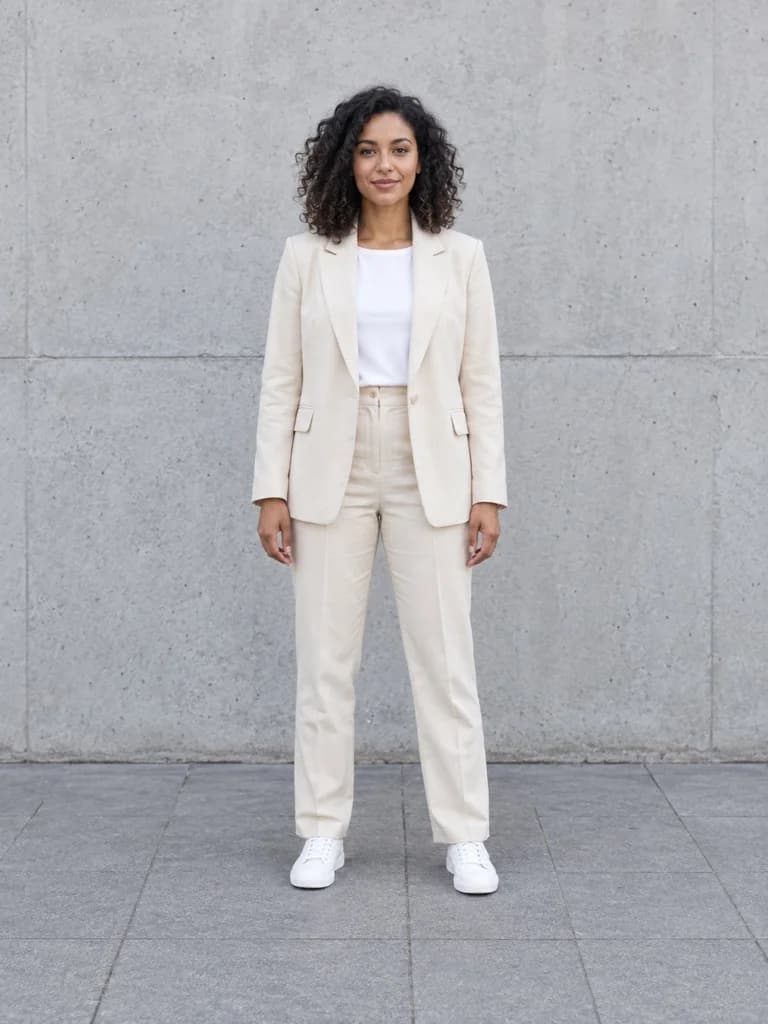


Same pose. New outfit.
Keep your pose. Switch up your look.
Keep your pose. Change your outfit or location.
 SnapSeries
SnapSeries for iPhone
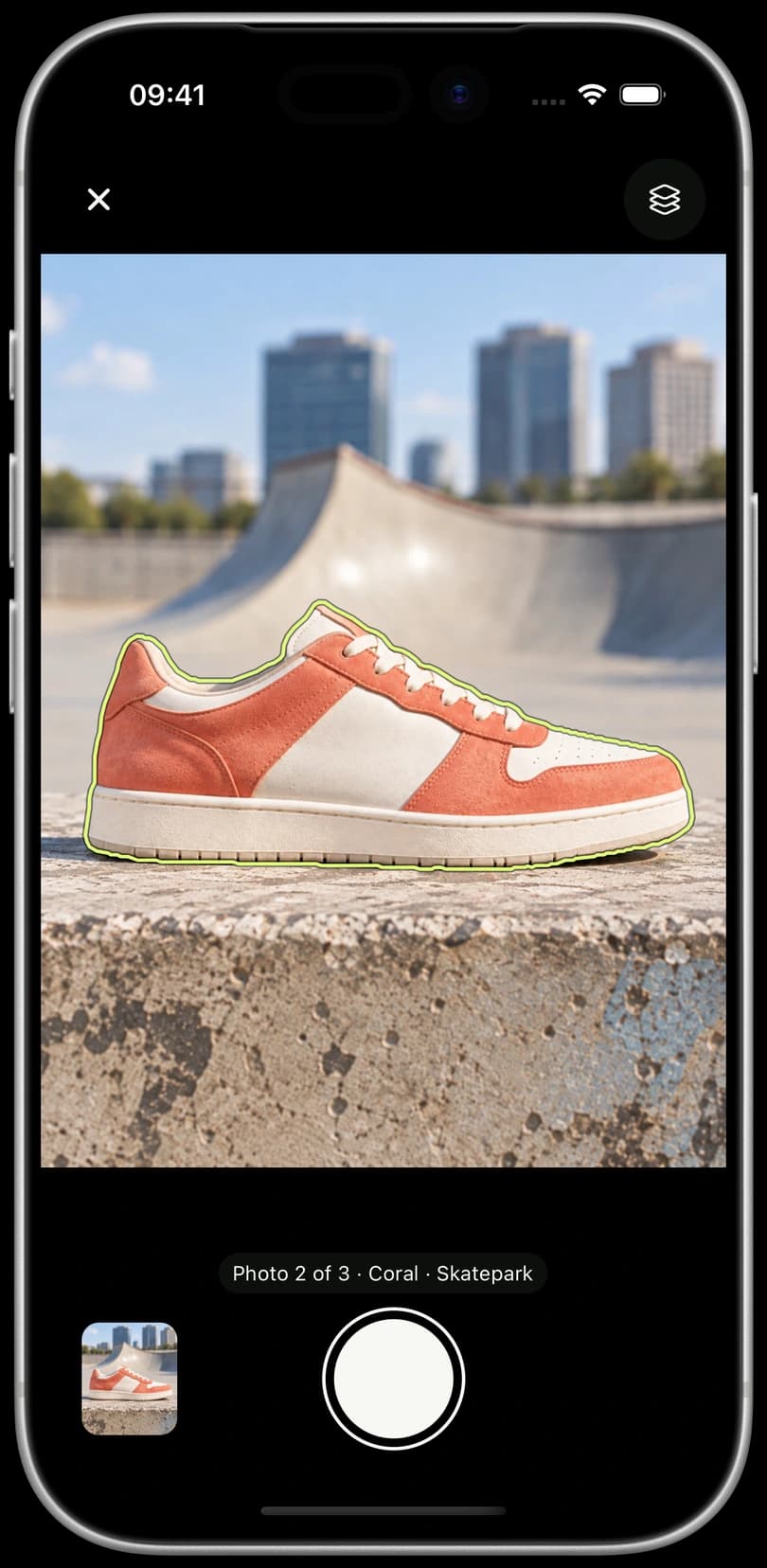
Your first photo becomes a camera guide. Automatic subject outlines help you line up your next shot as you change colors, switch locations, or capture progress over time.
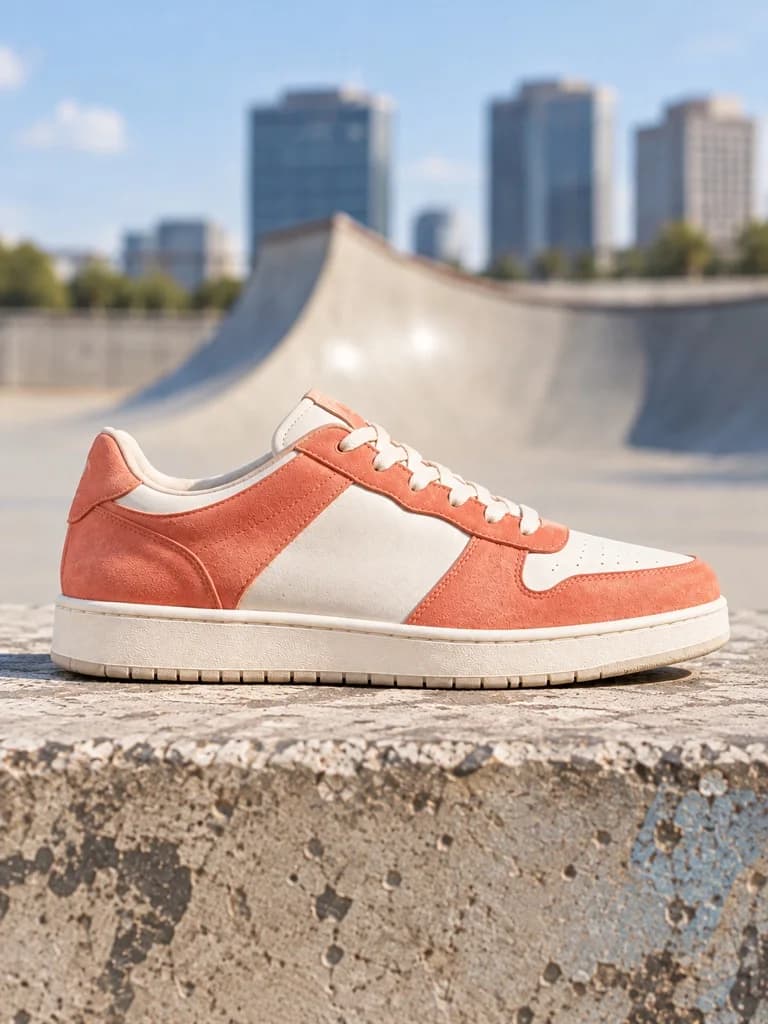
Keep your pose. Change your outfit or location.
Ideas to try
Keep your pose. Switch up your look.
Keep your pose. Change your outfit or location.
01 / Your reference is the guide
Your reference, right in the camera.
Take a photo or choose one from your library.
Follow a transparent photo guide, or a subject outline when available.
Keep a shape, pose or product in place as the scene changes.

02 / After the shot
Adjust a photo against your reference. Keep your original untouched.
Showing Fine Tune. Included without a subscription.

03 / Ready to share
Put your shots in order. Choose the pace. Keep the photos, or turn your series into a video.

Start with one series
Create and share your first photo series without a subscription. Add more possibilities with Pro.

A series is a collection of photos built around one reference. Keep adding shots to it over time.
Monthly and annual subscriptions.
See plans and prices in the app.
Good to know
A photo match cut connects images through a similar shape, pose or composition. Think the same shoes in different places, or the same pose in different outfits. SnapSeries helps you keep that visual connection as you take each photo.
Take or import a reference photo, then keep it visible as a transparent guide in the camera. When a subject outline is available, you can use that instead. The guide stays fixed while you move your phone to line up the next shot.
Yes. Fine Tune lets you move, zoom and rotate a photo. Reframe adjusts your reference or the whole series. With Pro, Auto Align suggests an adjustment for the photo you are editing, using the reference subject or overall scene. Review and fine-tune before saving.
No. You can create one series, use reference guides, adjust and organize your photos, preview the sequence, and share or export JPEGs without a subscription. Pro adds multiple series, Auto Align and MP4 video export.
A series is a collection of photos built around one reference. The free limit is on saved series, not the number of photos in that series. You can keep adding shots, remove photos and reorder them. To start a different series without Pro, export any photos you want to keep, then delete the existing series. Pro lets you keep multiple series.
Yes. Use the reference to build simple stop-motion photo sequences or follow an artwork, recipe or project over time. You choose when to take each shot and how long each photo appears. SnapSeries is built around still photos.
Video export with Pro creates a silent MP4. Add music, sound and finishing touches in your favorite editor before sharing.
One reference. So many possibilities.
Pick a photo. Find your frame. Make something yours.
Made for iPhone.